

VersátilIAasistente
Compatible con su navegador
Durante el uso, puede chatear, resumir, traducir e investigar en cualquier dispositivo, y luego guardar todo en OmniSide, que es compatible con Mac, Windows, iOS, Android y plataformas web

Aggregate All AI Possibilities
OmniSide helps users unlock expert-level AI intelligent assistants with one click. With the most simplified operation, its agents coordinate and understand various instructions, helping users solve problems in various scenarios

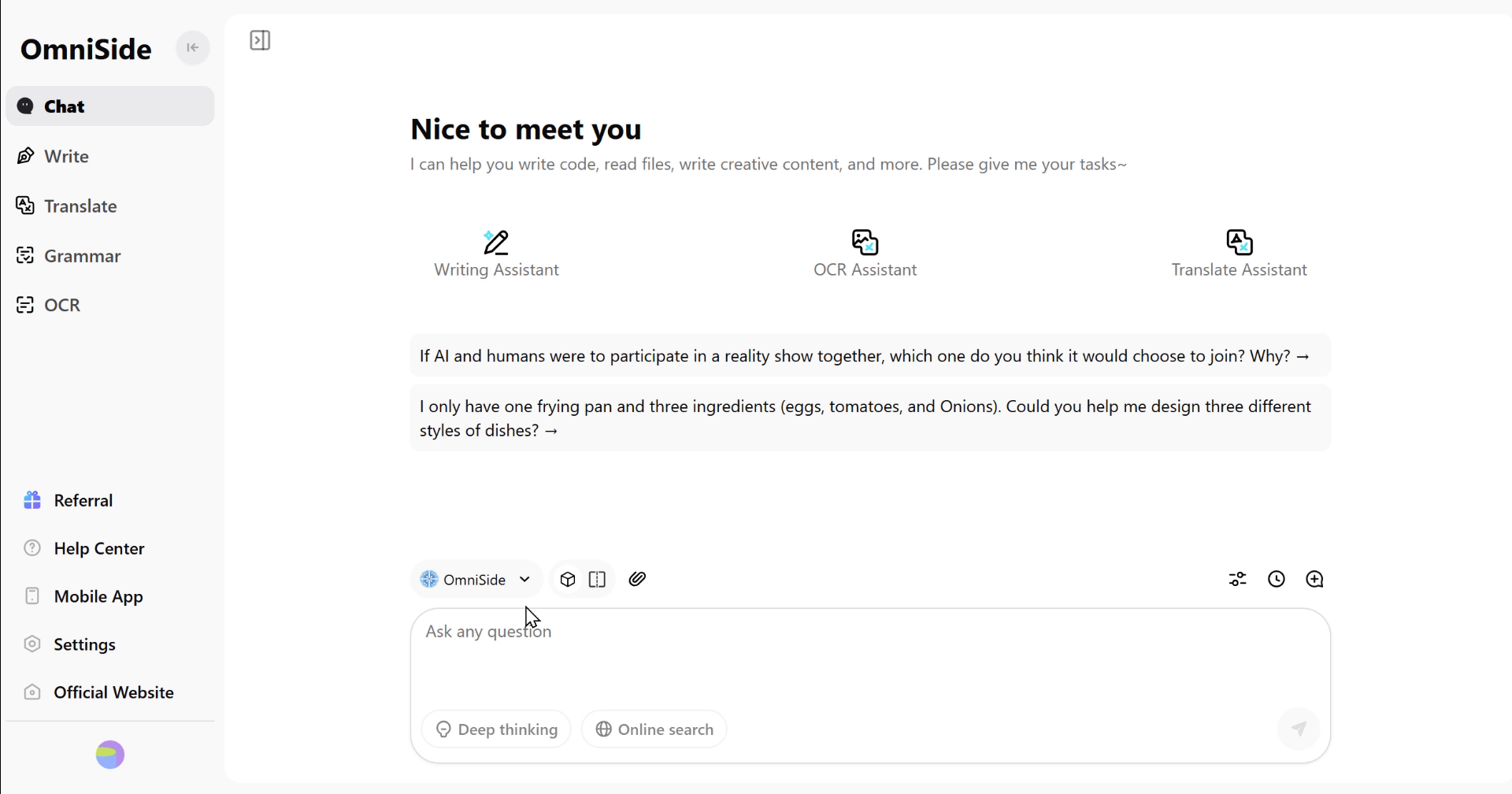
All-in-One Chat Center
Despídase de la molestia de cambiar frecuentemente entre múltiples plataformas. Aquí, puede conversar simultáneamente con los mejores modelos de IA del mundo, comparar sus perspectivas y obtener las respuestas más completas y profundas.
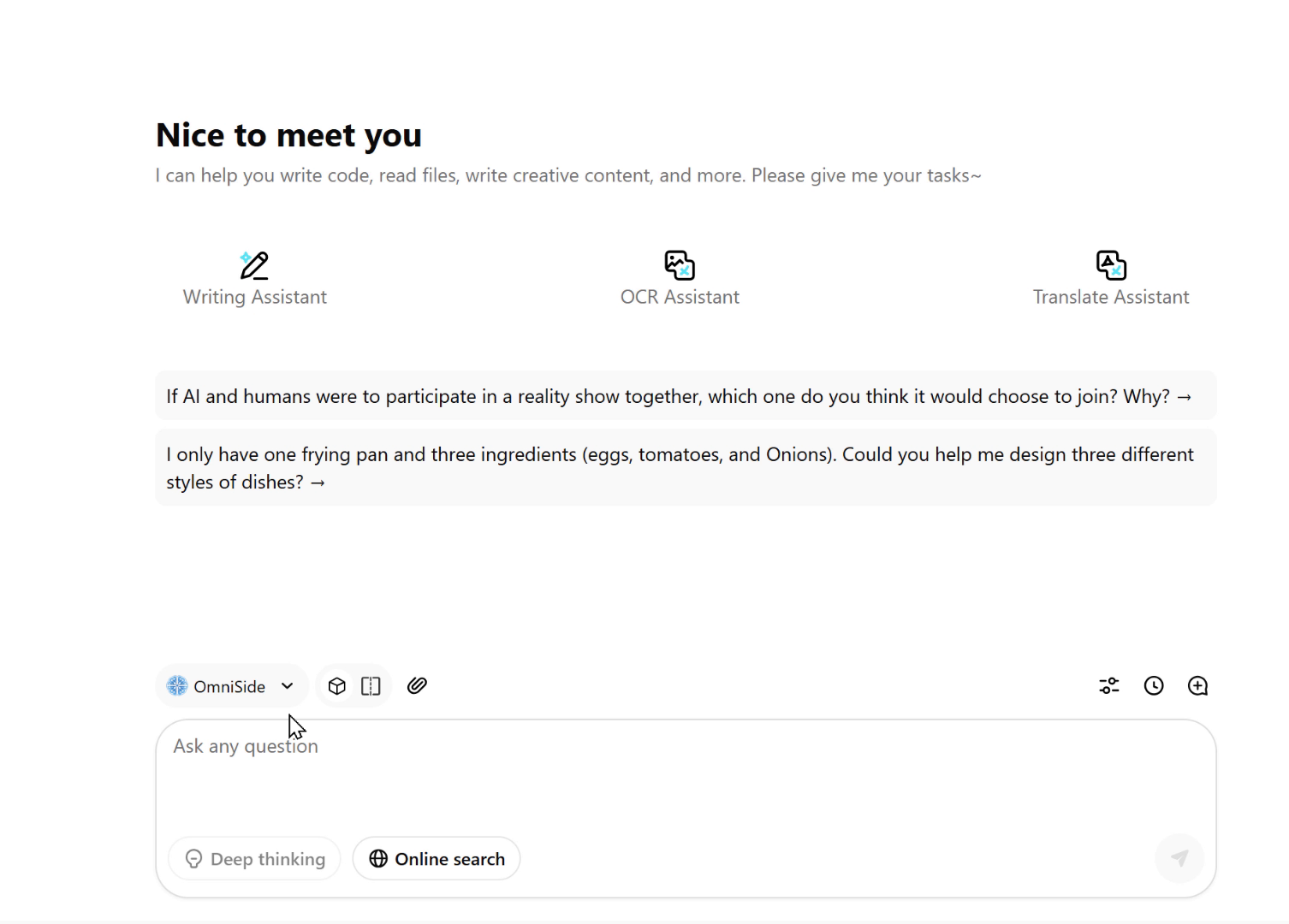
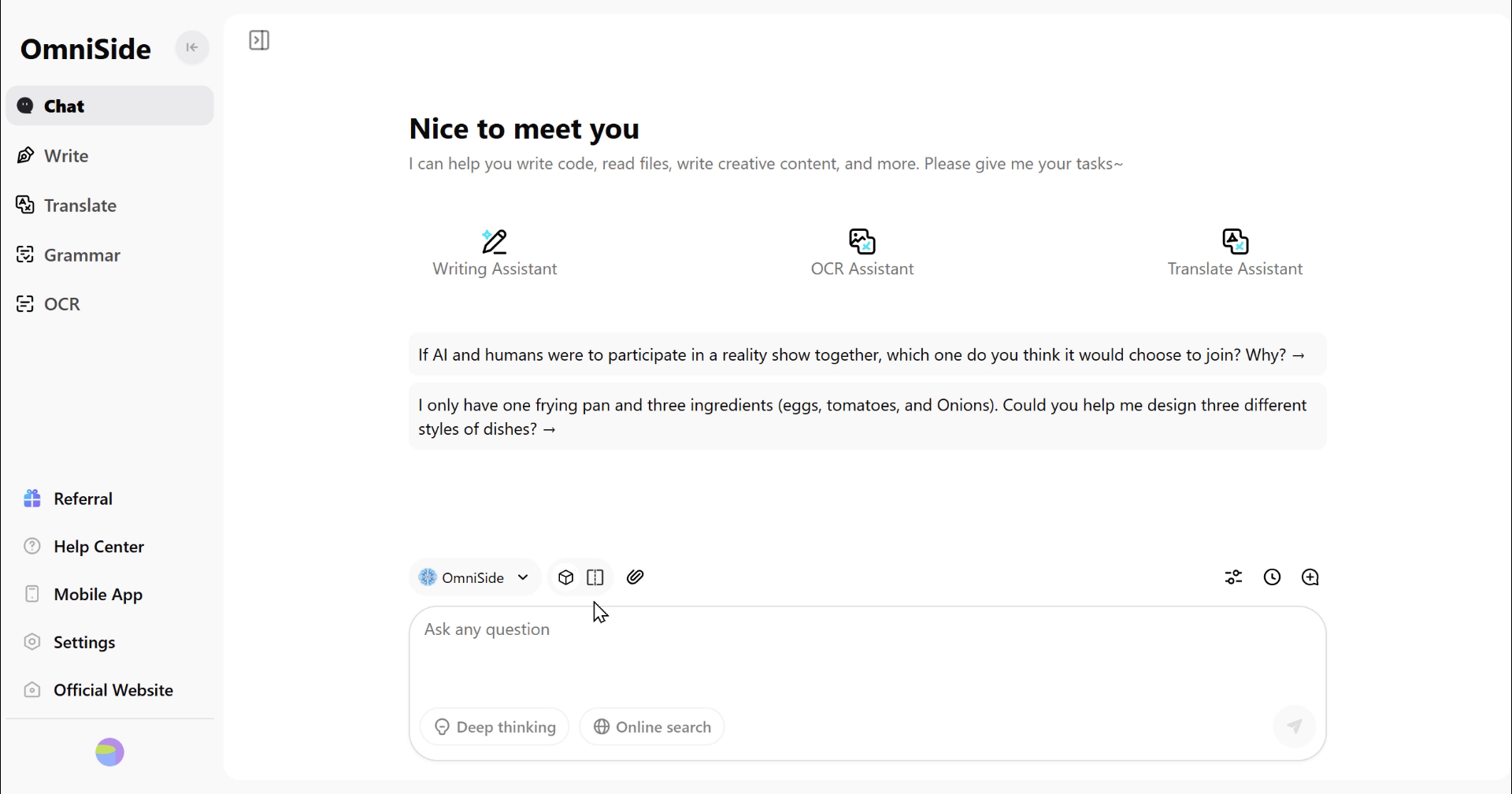
Dual-Track Decision Engine
Go beyond the limitations of single answers. Launch dual AI parallel processing for any task, compare content quality, creative angles, and logical differences in real-time, so every decision you make is built on the optimal solution.
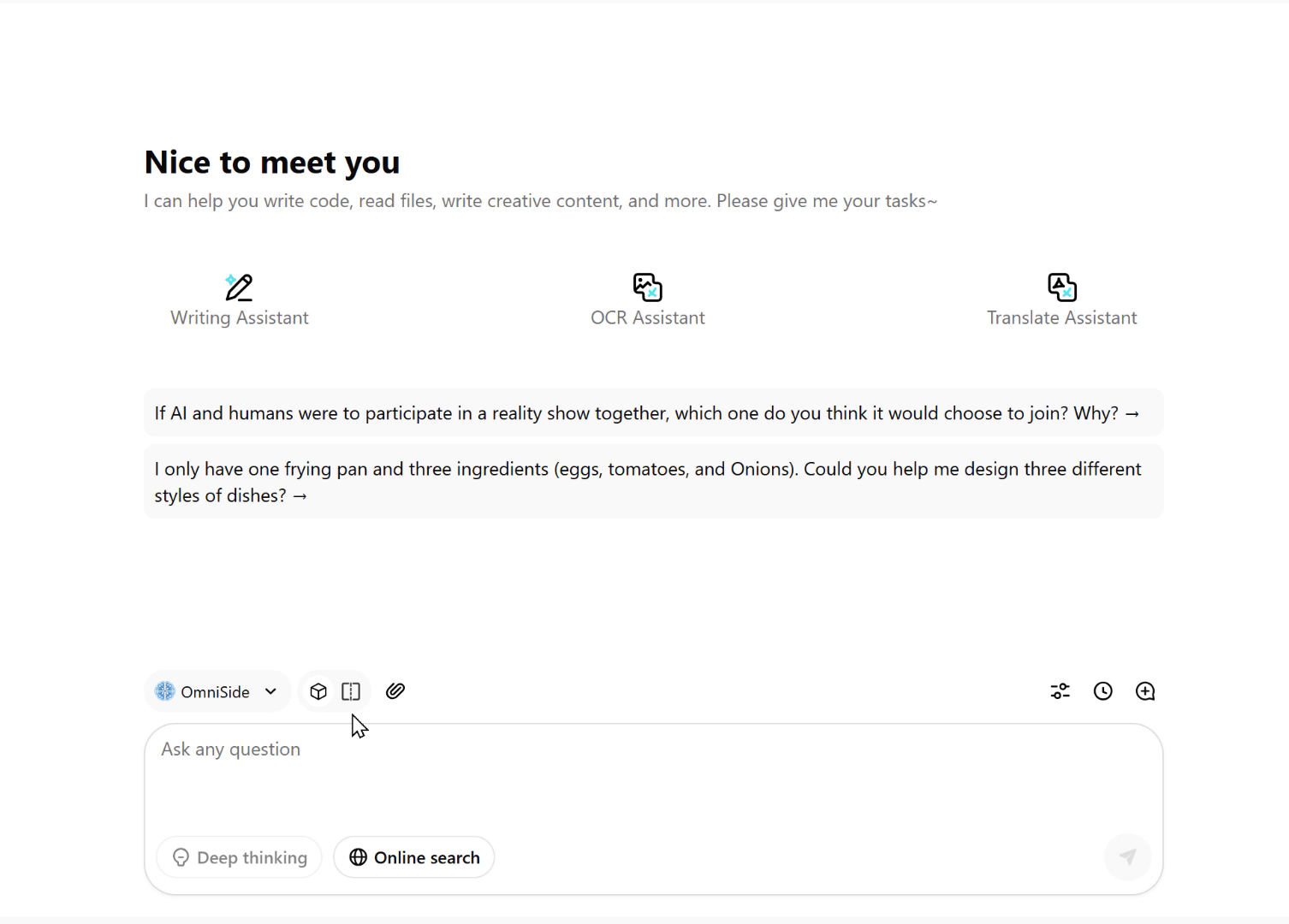
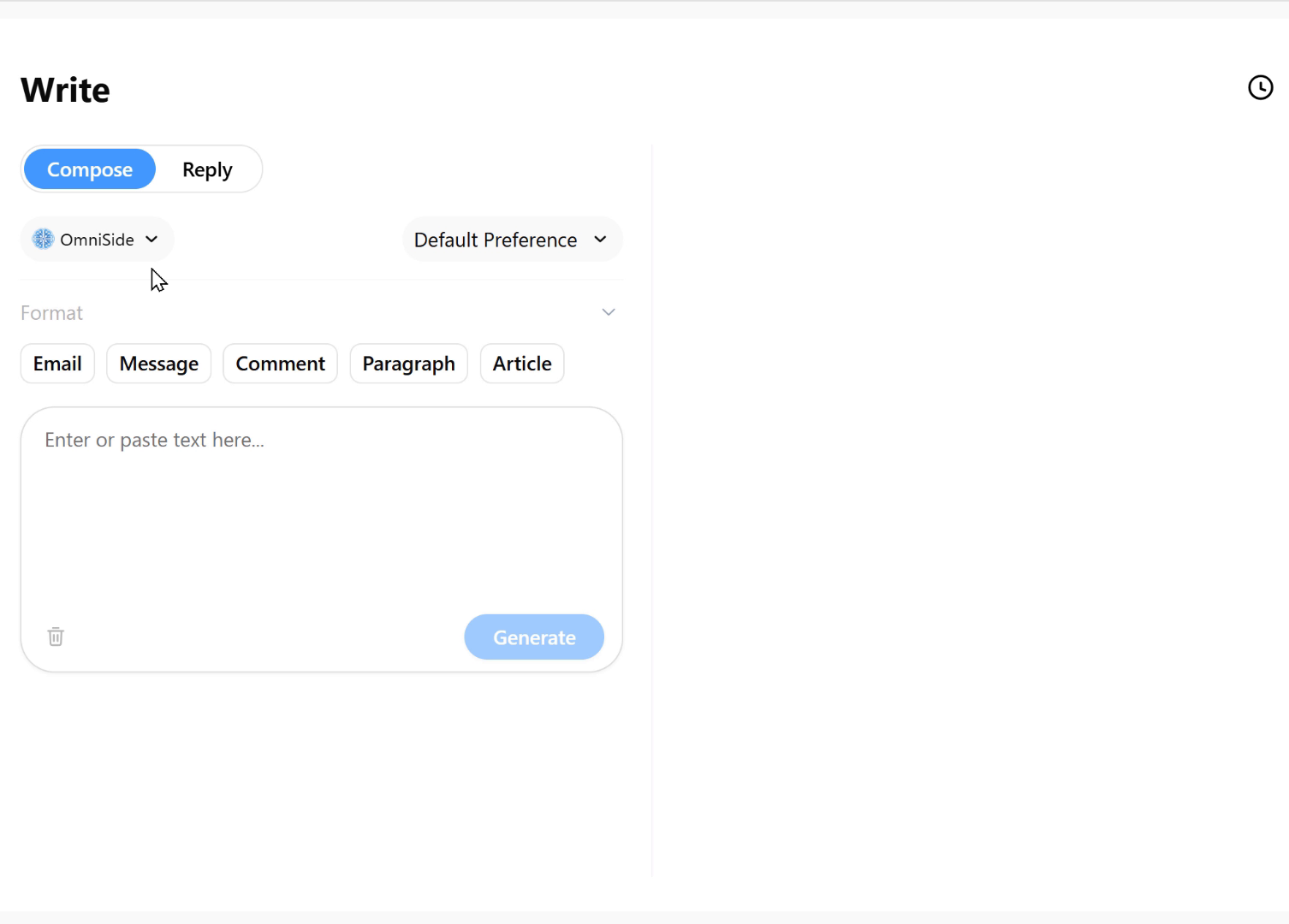
Intelligent Writing Workshop
Say goodbye to blank page anxiety. Just input your core idea and select the desired format—whether it's an email, blog post, social media comment, or formal paragraph—and get well-structured, appropriately styled quality text with one click, making writing twice as efficient.
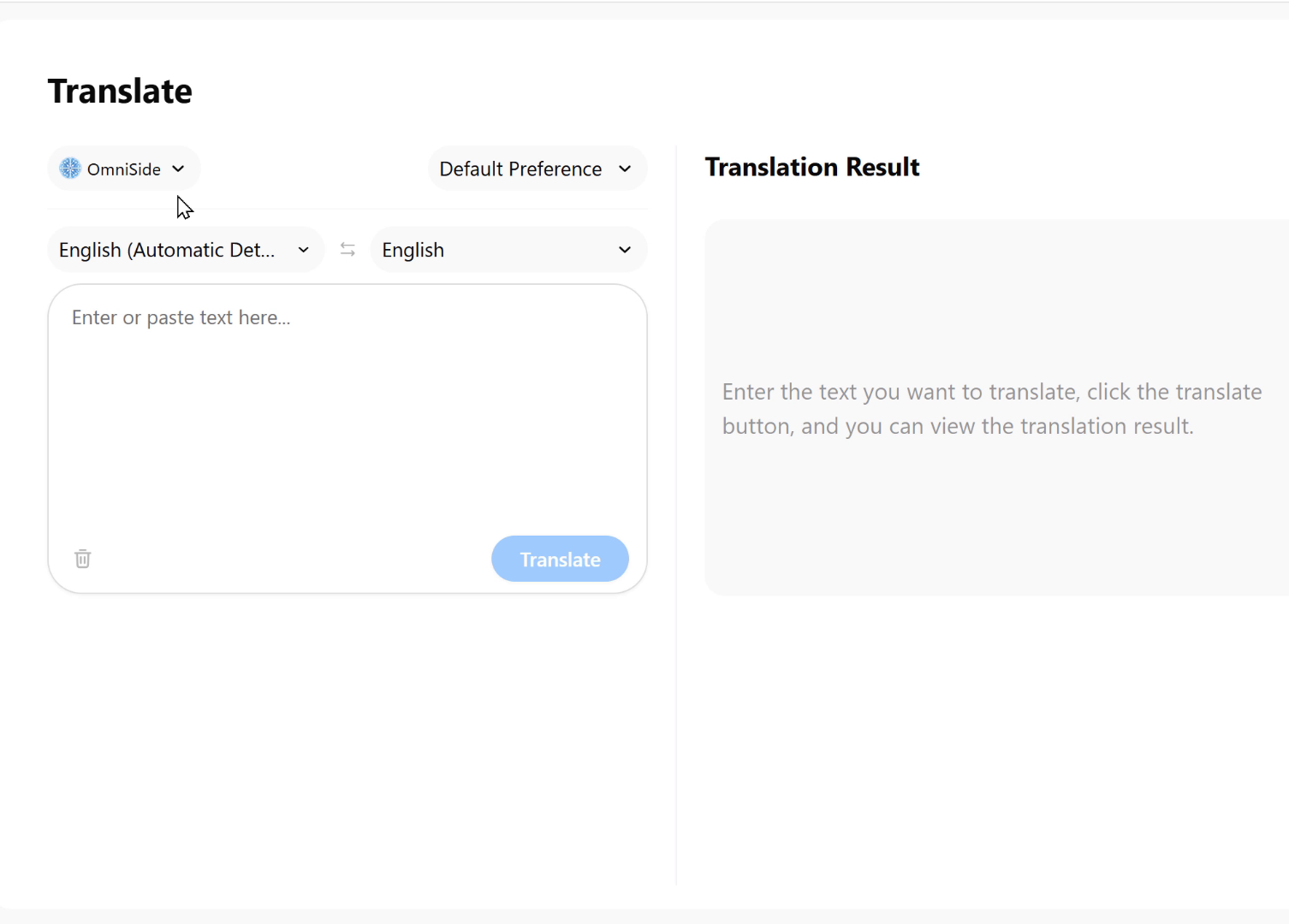
Precision Translation Engine
An intelligent bridge that breaks language boundaries. Supports real-time translation between major global languages, not only accurately conveying meaning but also preserving professional terminology, cultural connotations, and stylistic features of the original text, making cross-language communication seamless.
Grammar Proofreading Expert
Your professional text editor. Deeply scans text for spelling errors, grammar issues, and expression problems, and provides precise correction suggestions and polishing plans to ensure every document maintains professional standards.
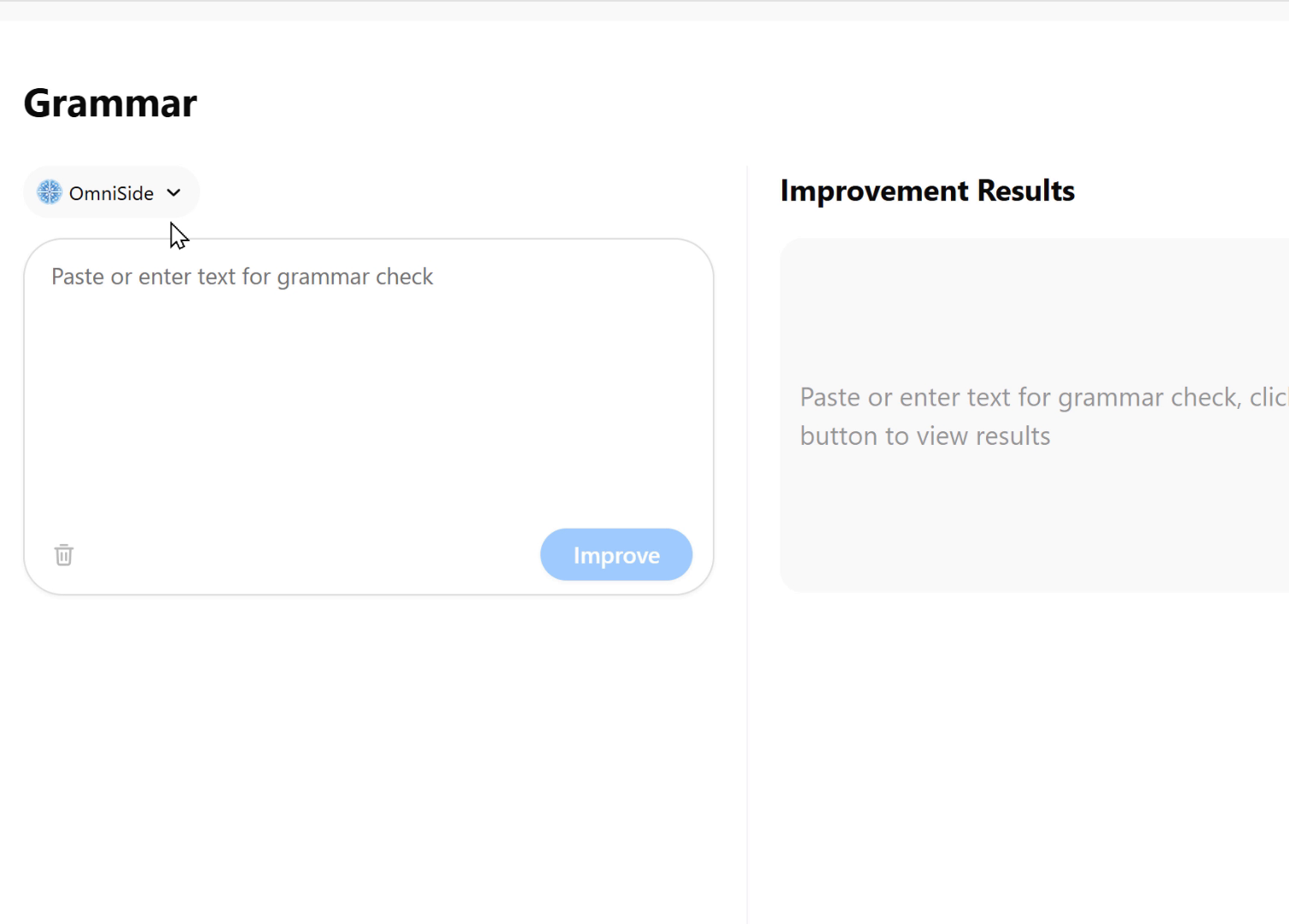
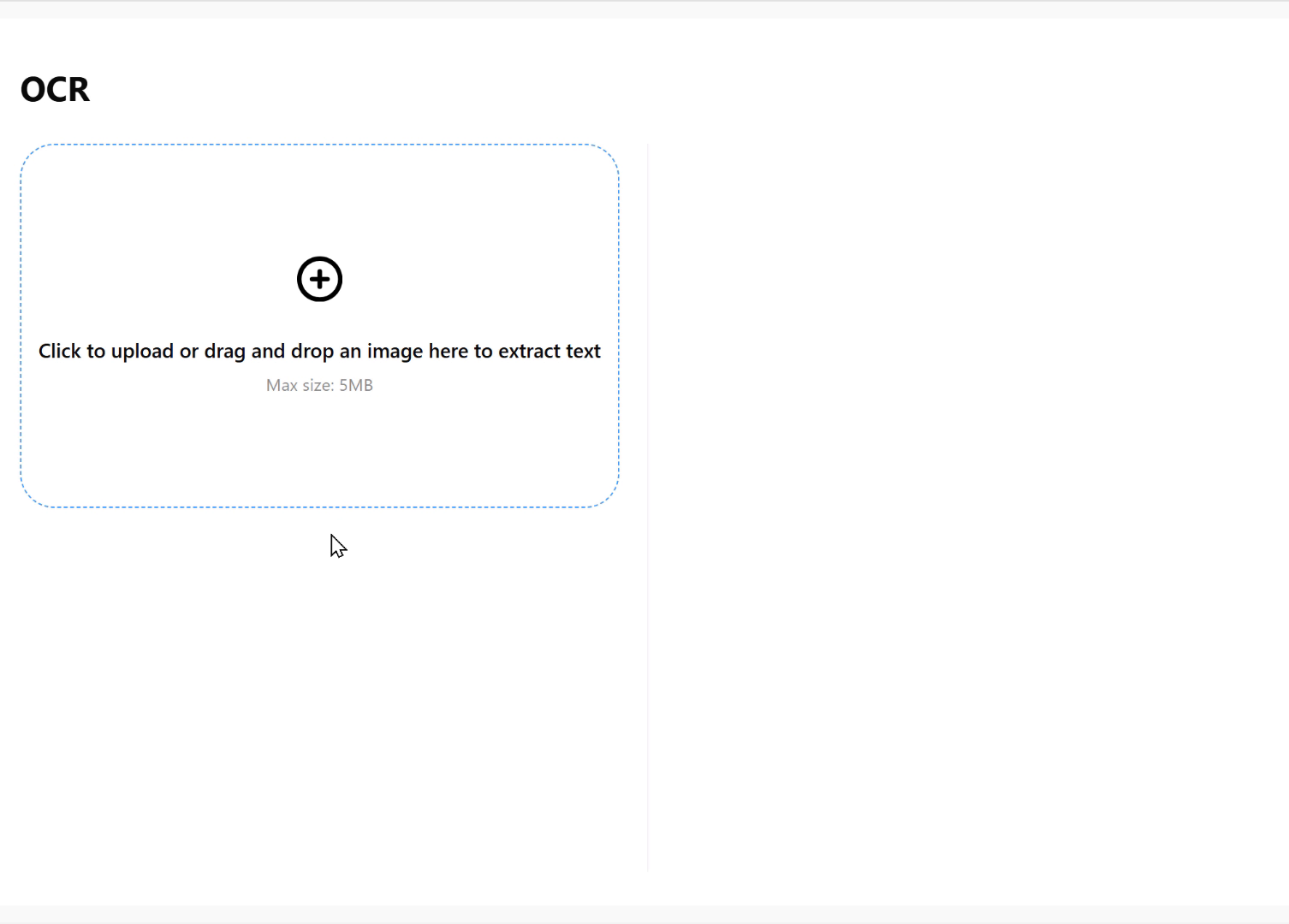
Image Text Recognition Workshop
Intelligent conversion from images to structured information. Accurately extracts text and tables from images and PDFs, serving as an efficient starting point for the entire intelligent workflow, allowing your creativity and processing to no longer be constrained by format.
Integrate into All Scenarios
OmniSide is lightly embedded in workflows, making AI capabilities within reach
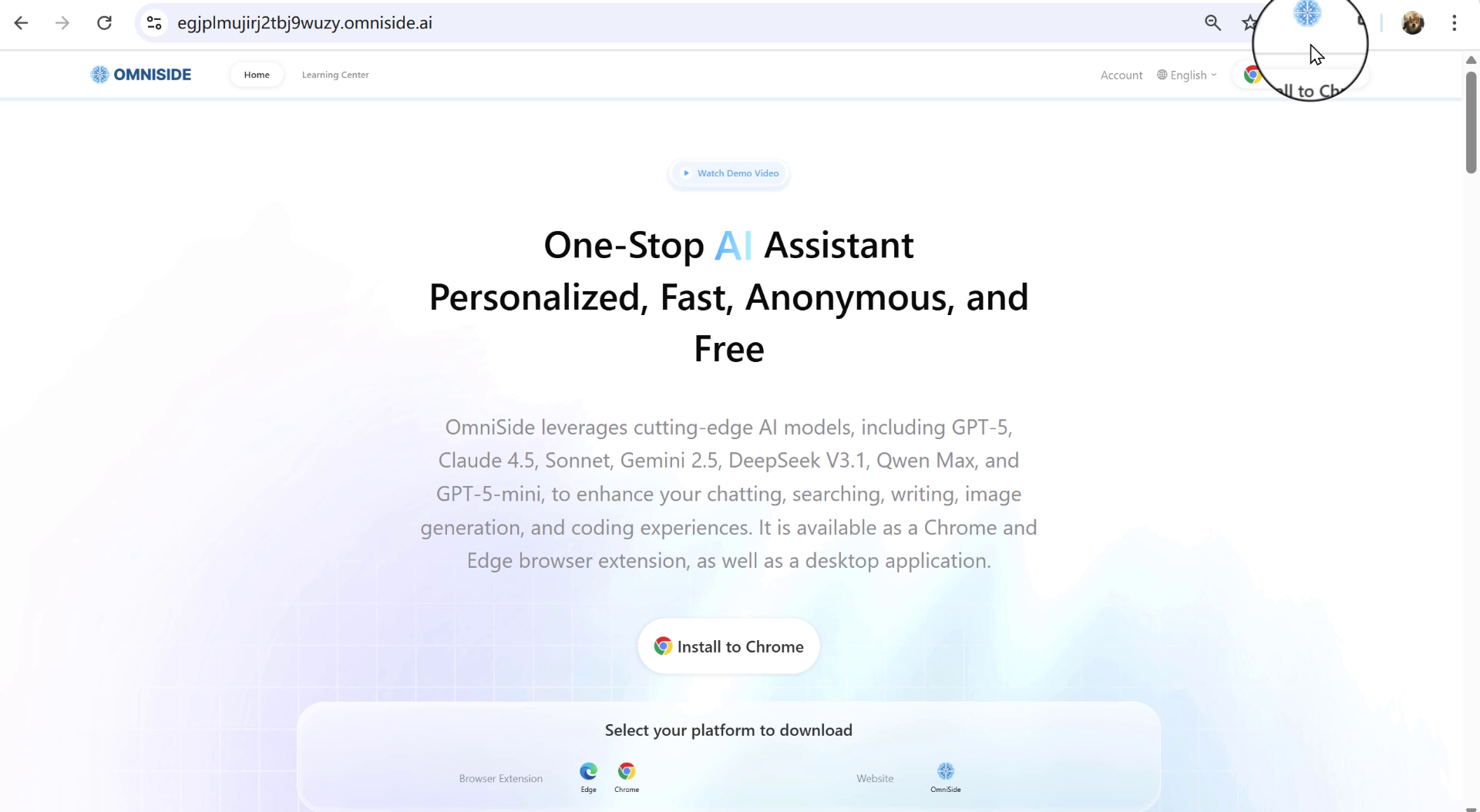
01 Browser Sidebar
Activa el asistente de IA todo en uno con un solo clic
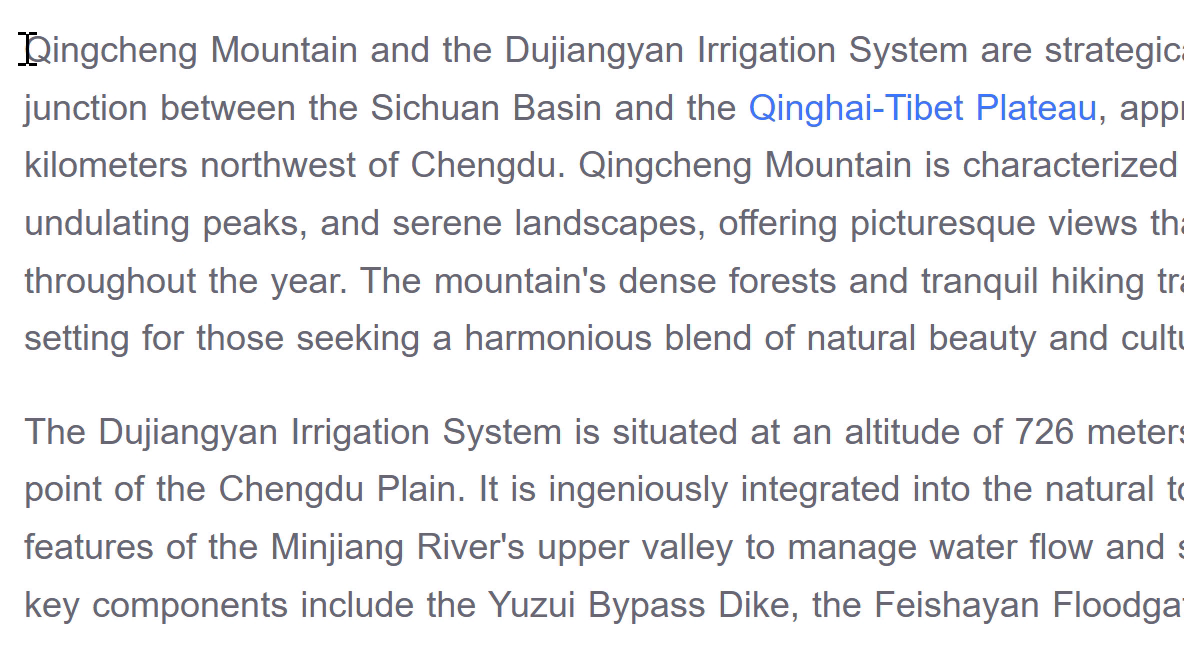
02 Smart Toolbar
Support instant text explanation, translation and summary
03 Search Assistant
Instant Q&A, quick information search
Main Features

Top AI Models
Integrate top global models for your free use

Dual Comparison
Dual AI compete on stage, making pros and cons clear at a glance

Seamless Use
Lightly embedded in workflow, making AI within reach

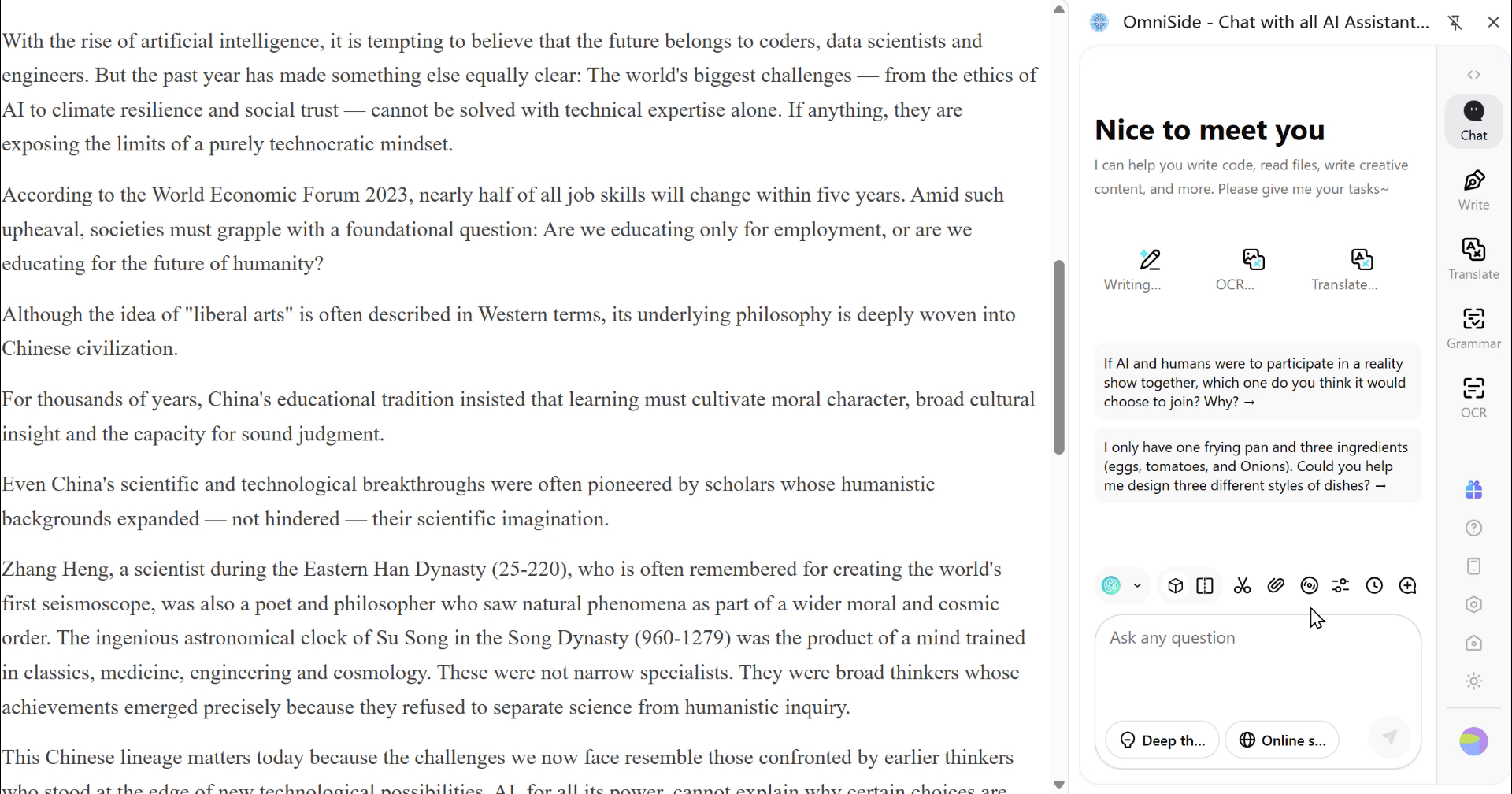
Summary
Extract long text with one click, hitting the core of information

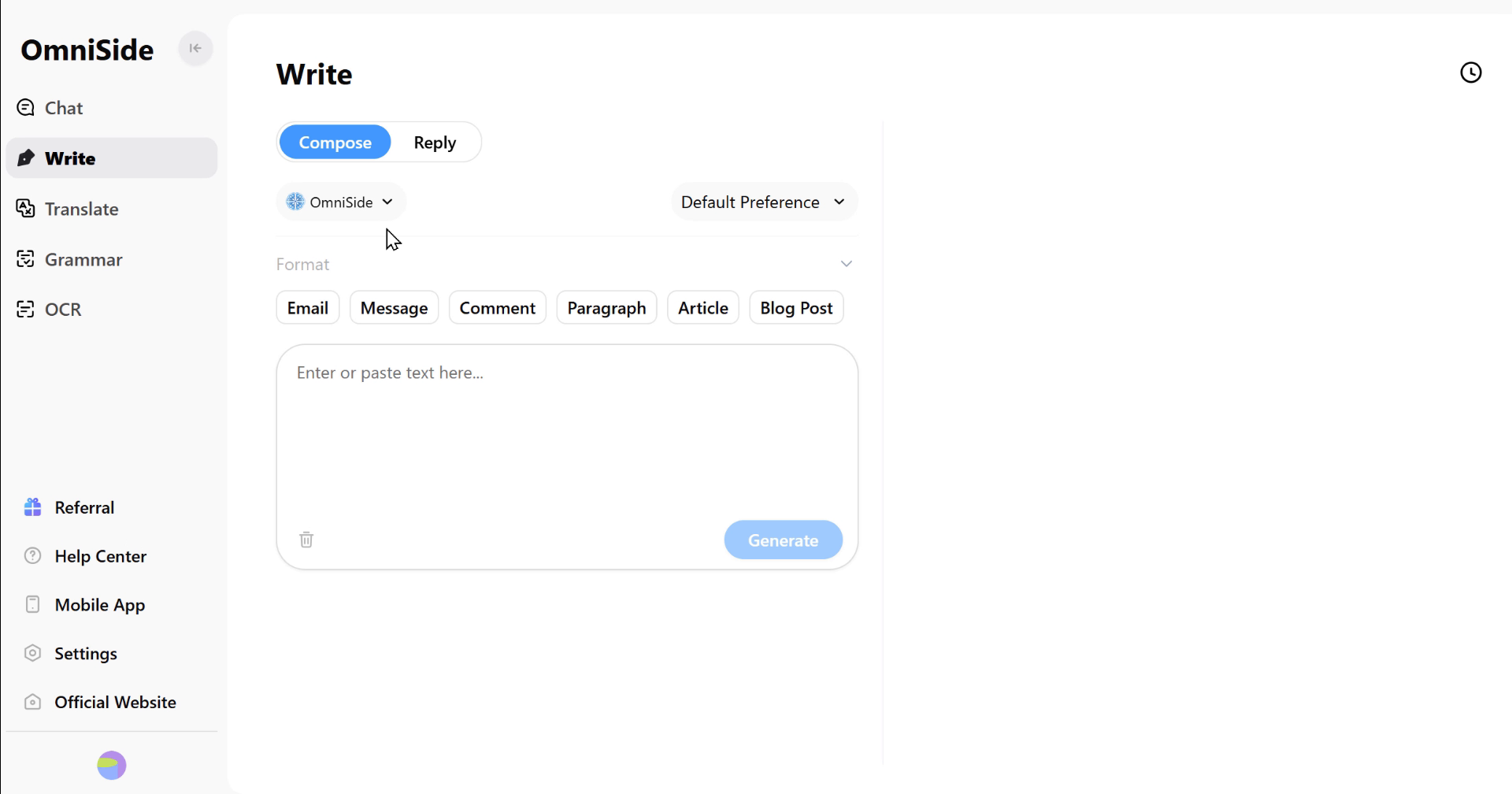
Smart Writing
From inspiration to manuscript, assisting you throughout the creation process

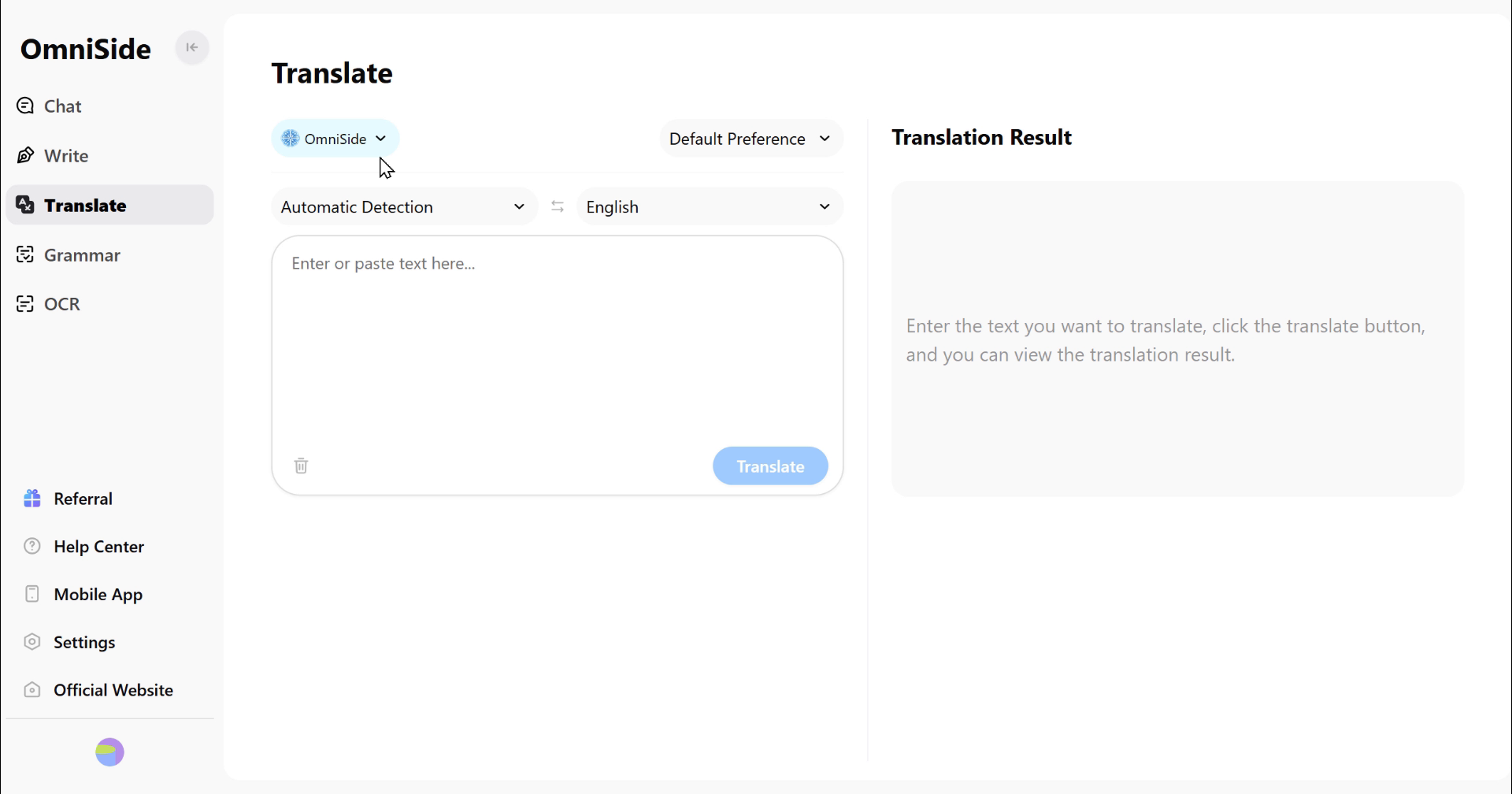
Accurate Translation
Break language barriers and ensure accurate communication

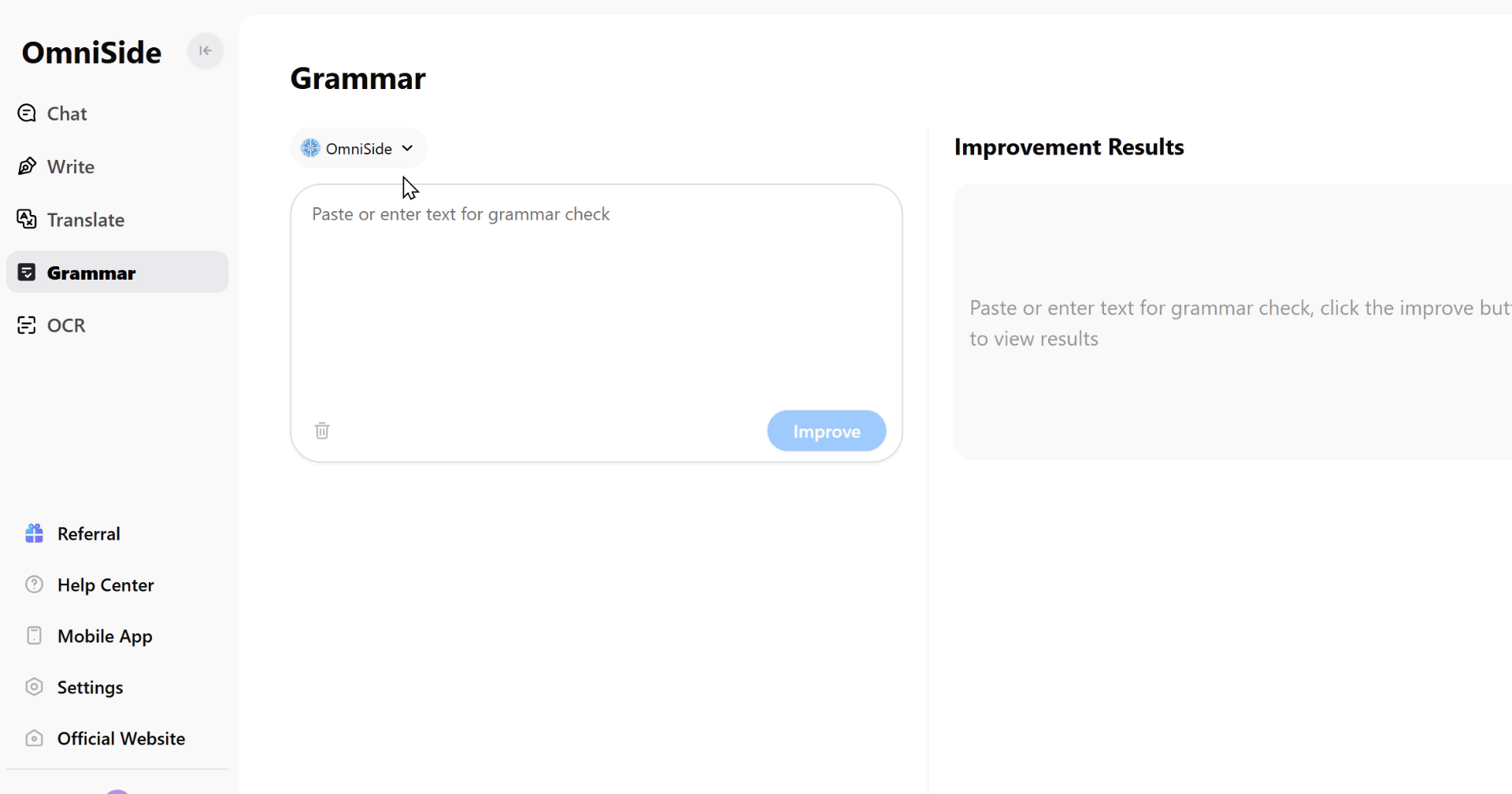
Grammar Check
Intelligently detect errors, making expression more professional

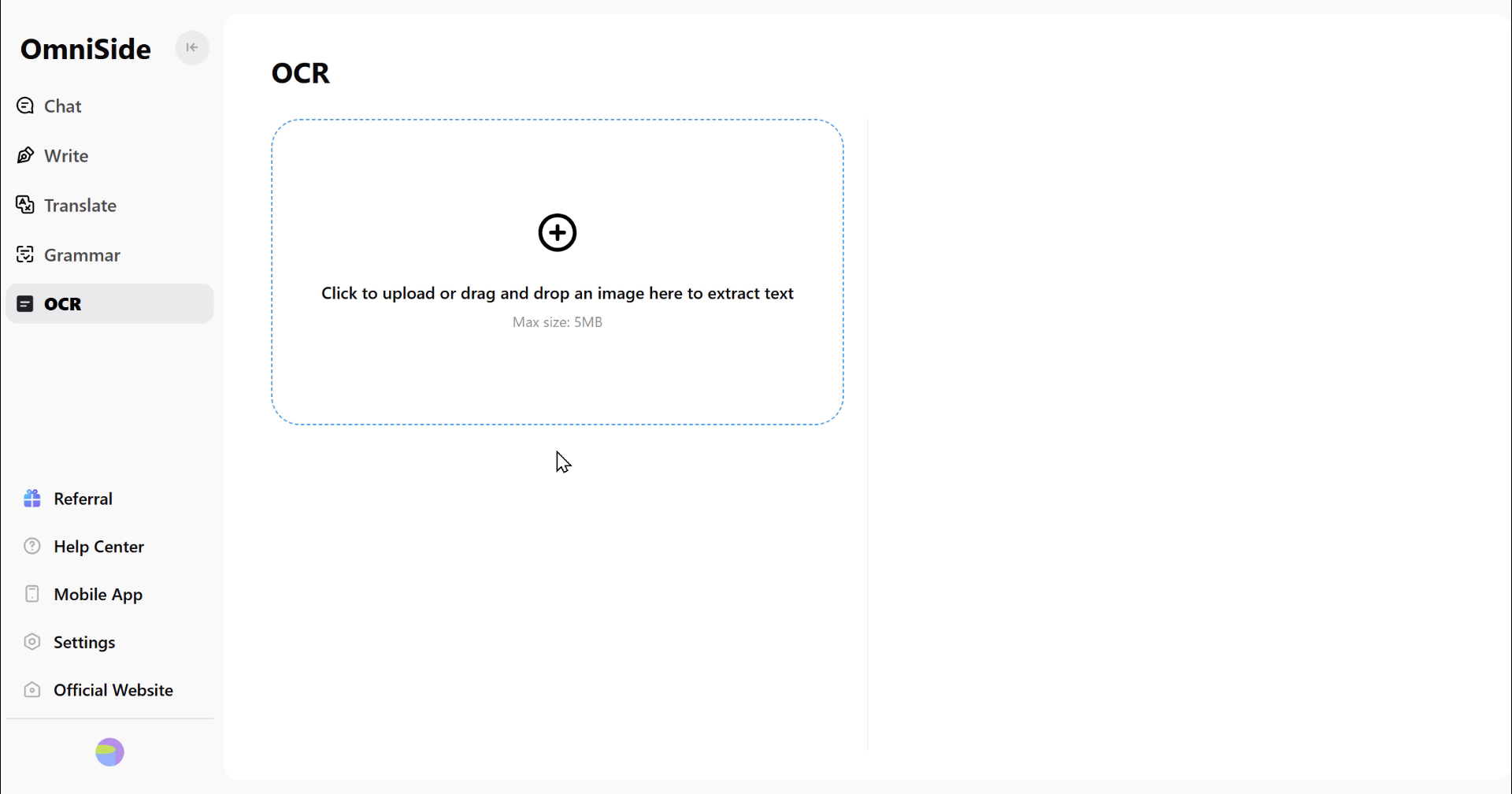
OCR Recognition
Accurately extract text from images, allowing information to flow freely
Over 10 Million Users
Worldwide Choice
 5.0 / 5.0Chrome Web Store
I love Omniside AI, especially its translation feature, which is better than any other plugin. This feature helps me better understand any word or sentence, especially on specific topics.
 Vincen Mcmahoon
Friends who need AI and versatile chat, you must add this to your Google extensions. The features are very comprehensive, from asking questions to generating images, to summarizing videos, websites and PDF files (you can upload them for summarization), and it can also translate text and ask questions after taking screenshots.
 Laura Anastasya
I've been using the Omniside AI app for several weeks now, and it has become an indispensable assistant. It integrates multiple AI models like GPT-4, which is very convenient. You can use it for various tasks: reading, online searching, translating, and even creating images. I especially like its ability to upload PDF files and generate detailed summaries. The voice input feature is also great - you can talk directly to the AI without typing. The interface is user-friendly, responsive, and supports multiple services. Omniside AI is definitely the best choice for daily tasks.
 Lisa
LisaLibera tu potencial, junto con 10 millones de usuarios
ExperimentaAIimpulsado por el aumento de productividad